Table of Contents

How Can Locus Map Help Me with Finding Geocaches?
Geocaching is a world-renowned outdoor game, and Locus Map is an official partner app.
Locus Map can:
- navigate you to the cache
- display listings, images, logs…
- log your own findings offline or online directly from the app without the need to visit Geocaching.com website. And much more >>
How to get geocaches into the app?
Geocaches must be downloaded from geocaching.com website. This can be done in two ways:
Directly from the app
Available with Premium Silver
For a quick overview, check the video tutorial:
Here are detailed instructions:
- go to Menu > All features > Geocaching > Geocaching tools > Search for geocaches
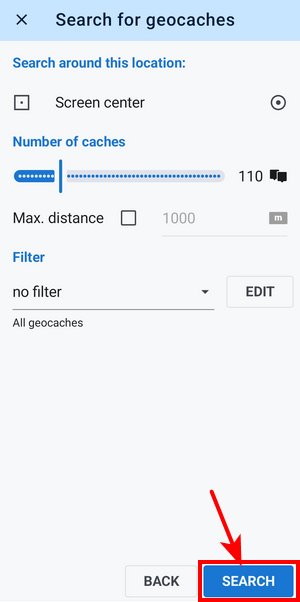
- tap SEARCH
- confirm Import of the caches
For example, this way, the app imports 110 geocaches placed around the maps screen cursor. You can change the location and number of downloaded caches or set up a filter. More info >>
Via add-on
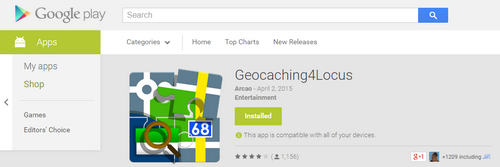
Another option is the Geocaching4Locus addon that you can quickly install for free from the Google Play Store.
The add-on is not a product of our team, so we can't bear responsibility for its correct functioning
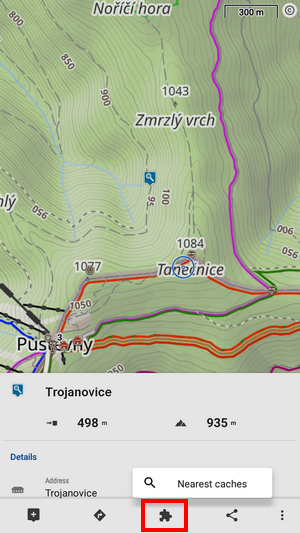
- touch and hold the place on the map where you'd like to see geocaches around
- Locus creates a temporary point and slides up its detail panel. Tap the addon button and nearest caches:
- select the number of downloaded caches and tap the download button:
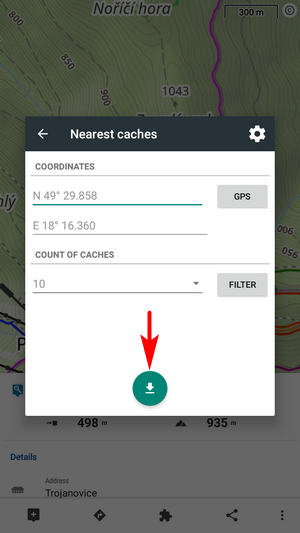
Import of geocaches
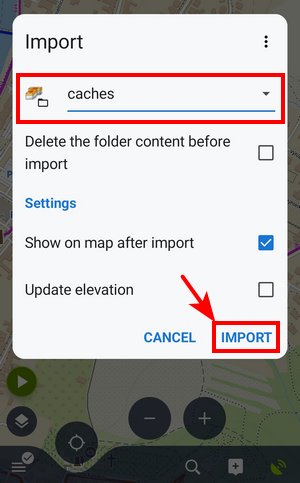
- after downloading, Locus Map asks where to store the geocaches. Select the folder and tap IMPORT:
- info box about successful download appears:
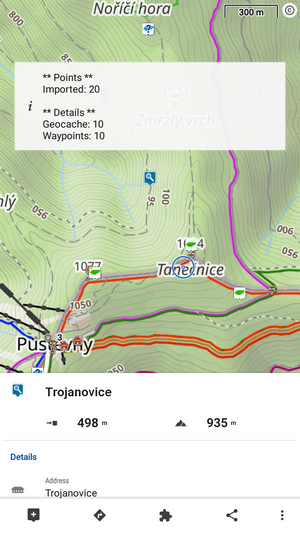
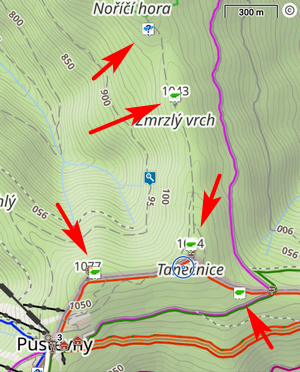
- geocaches emerge on the map: