

Translated from English by gtranslate.io
This is an old revision of the document!

page in maintenance

The imported geocaches are stored in a selected folder of the point manager or displayed on the map. After tapping a geocache in both a panel with its detailed info slides up.
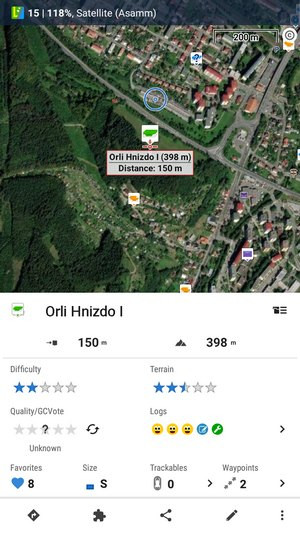 The panel is similar to that of a common point but there is quite a lot of additional information and tool buttons:
When you scroll the panel up, more information appears:

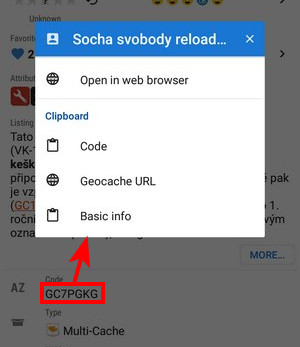
Another scroll up…
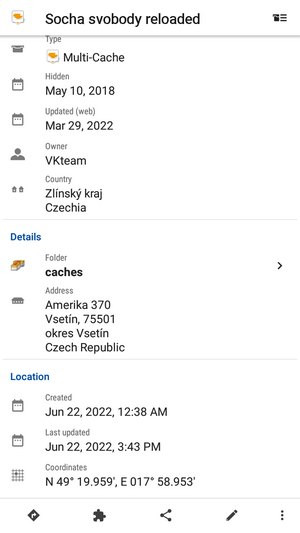
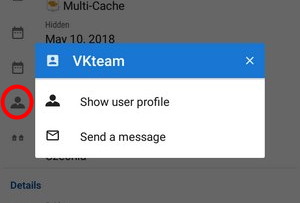


The bottom bar of the geocache detail panel contains tools common for all other points - navigation, sharing, info editing and management tools. But also geocache-specific add-on menu:

Looks and offers the same controls as an ordinary point folder screen except a few more options:
Contains a rich choice of geocache parameters to sort by:


Basic GC filtering - you can filter geocaches by name, GC code, icon (type) and distance:

Special filtering offers setting of difficulty, terrain and a lot other parameters:
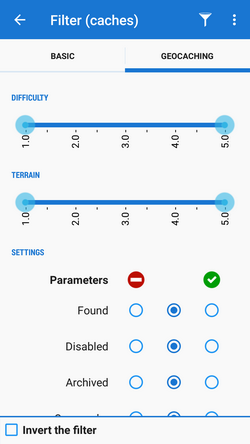
You can set displaying of the filtered results on map:
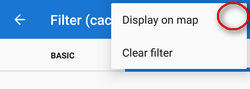
 Besides common functions like Copy/Move/Export/Delete or Fill elevation contains several GC-specific features:
 Update caches - updates downloaded caches listings, logs etc. The button is present only if the Geocaching4Locus addon is installed.
 GC Offlinizer - downloads geocaches' associated images, spoilers etc. for later offline use. Available only with PremiumHow to use GC Offlinizer >>
 Load GCVote - downloads geocache rating


