

Translated from English by gtranslate.io
This is an old revision of the document!
 ====== Main Menu and its Settings ======
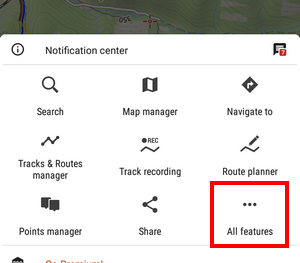
The first six buttons of Locus Map's main menu can be set according to your needs (similarly to the Functions Panels):
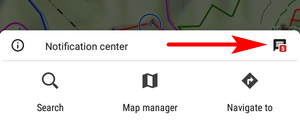
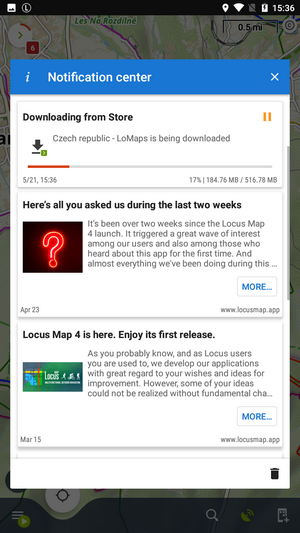
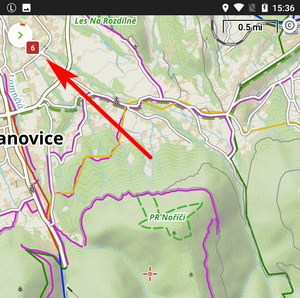
By default, this section contains all features and functions Locus Map provides which can be a bit too complex for somebody - it is possible to activate only those buttons of features you are going to use and others deactivate. It's simple:
 button in the upper bar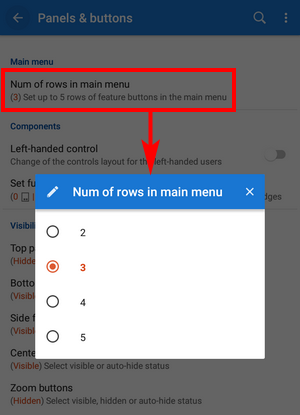
 button
The settings can be changed any time - turn the red buttons into blue and activate them back.
 This section sums up all information regarding Locus Map as application. Here you can
This button leads to third-party Web services linked to Locus, providing additional content - GPSies.com and Vylety.zabava.cz.


